
Winning the workQuotes
Price the job once, and send it before you leave the driveway
Build a quote from your own rates, send it as a PDF in your colours, and let the client sign it online.
Your first 14 days are free, and nothing is charged until they are up.

What this takes off your week
How it works here
It is built from your prices, not from a template
Lines come from the services and rates you set up once. Group them by room, by floor or by scope, drop in photos from the walkthrough, and the totals and the tax follow the address the work is at.
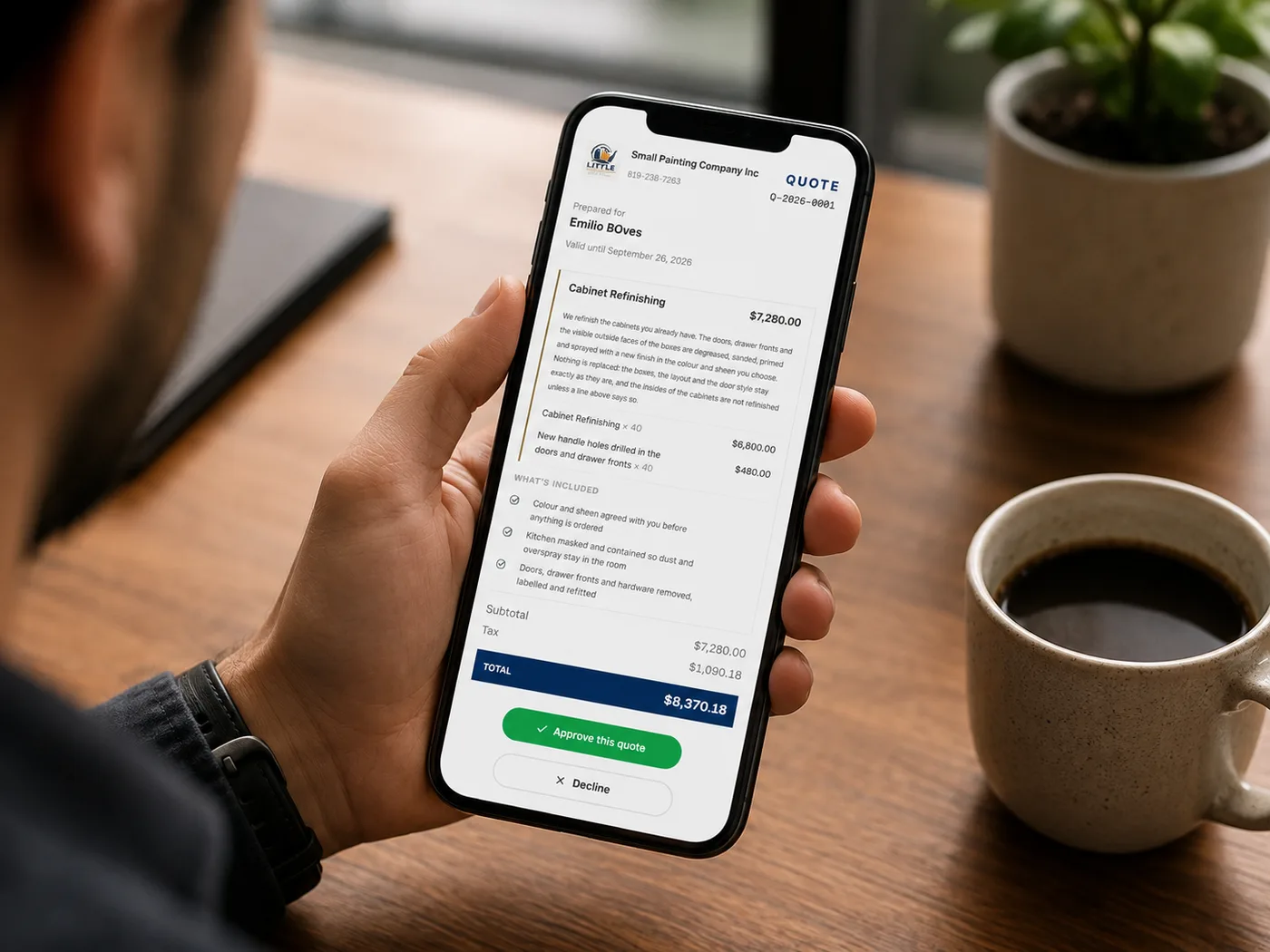
It goes out looking like your company
The PDF carries your logo and your brand colour, the email comes from your address, and the covering note is written in the language the quote was written in. Nothing on it says FieldQuo.
The client signs it from wherever they are
They open a link, tick any extras you offered, and sign. What they saw at the moment they signed is recorded with the signature, so a fortnight later there is no argument about what was agreed.
The specifics
Build a quote from your own rates, group it by room or scope, and add photos.
- One builder, two doors
- Creating a quote and editing one are the same screen. They were once two, and they taxed differently — one on the gross subtotal, the other after the discount — so the same quote had two totals depending on which screen saved it last.
- Saved first, sent second
- A quote is always written down as a draft before anything is emailed. A send that fails leaves you a draft to retry, never a quote marked as sent that nobody received.
- Your wording is copied onto the document
- Your terms and your what-happens-next are stored on the quote itself, so changing your defaults in March does not rewrite what you sent in February.
- Thirty days, unless you say otherwise
- Expiry defaults to thirty days, worked out from the calendar rather than from a clock so the change of hour never moves the date. Clearing the box means no expiry, and that is honoured rather than quietly refilled.
- The discount stored is the one that applied
- A discount bigger than the quote is clamped before it is saved, so a stored figure can never contradict the total printed beside it.
- Lines freeze when the quote is decided
- Once a quote is past draft or sent, its line items are locked.
What you get
Every plan includes all of it. Plans differ by how many people can work in the account, not by which features they are allowed to use.
Quotes
Build a quote from your own rates, group it by room or scope, and add photos.
Painting priced by production rate
Measure the room or the elevation, pick the substrate, and the quote works out the hours from your rates and the gallons from coverage.
Good, better, best options
Send one job at three prices and let the client pick the one they want.
Where this stops: The pricing behind it is built and the three quotes can be produced behind the scenes, but there is no screen for it yet — so today you would be building all three yourself. Ask us before you buy on this one.
Quote PDF in your colours
A PDF that carries your logo and brand colour — nothing on it says FieldQuo.
Send a quote by email
One button emails the quote from your address, with the PDF attached, in the client's language.
Client approves and signs online
The client opens a link, picks any extras, signs, and the job is on — no printing, no phone tag.
Suggested add-ons
Optional extras at the bottom of the quote, priced from your own history, that the client can tick.
Automatic follow-ups
A quote that goes quiet gets chased on your schedule, in your words, without you remembering.
Write your own covering email
Change what the quote email says, section by section, and it stays in the language the quote was written in.
One item above is only partly built, and says so. We would rather you read the limit here than find it in month two.
Try it on your own jobs
The first 14 days are free. Bring your own rates, your own logo and the client list you already have.
Contractors reading this also read