
Analytics & AI
Know your numbers before you're guessing
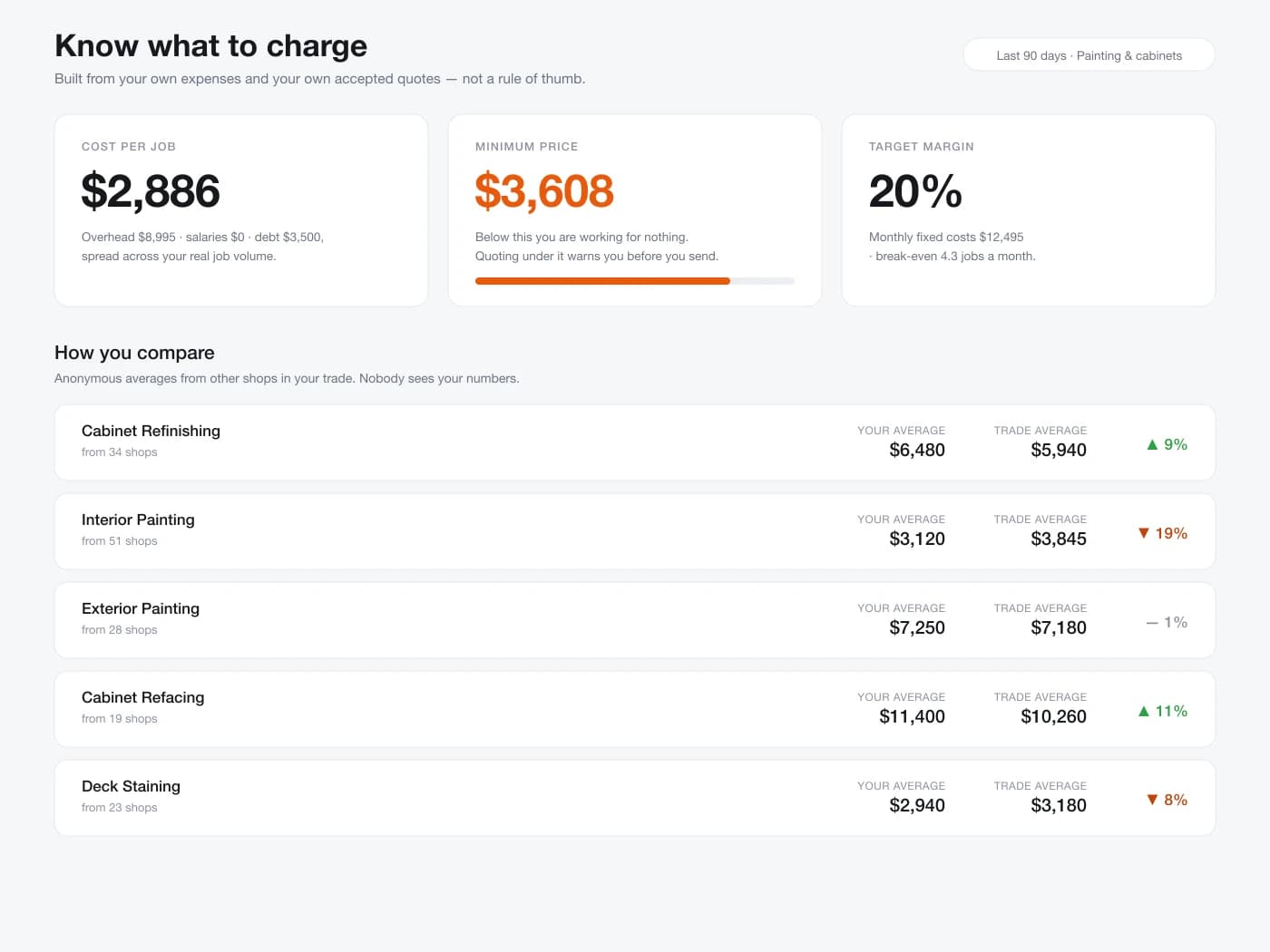
See your real overhead, your break-even price per job, and how your pricing compares to other shops in your trade — plus an AI assistant that can answer questions about your own business.
- Burn rate and minimum price, calculated from your real expenses
- Marketing spend broken down by channel — Facebook, Google, TikTok, and more
- See how your pricing compares, anonymously, to others in your trade
- Ask FieldQuo AI questions like "is my conversion rate normal?"
Your first 14 days are free, and nothing is charged until they are up.
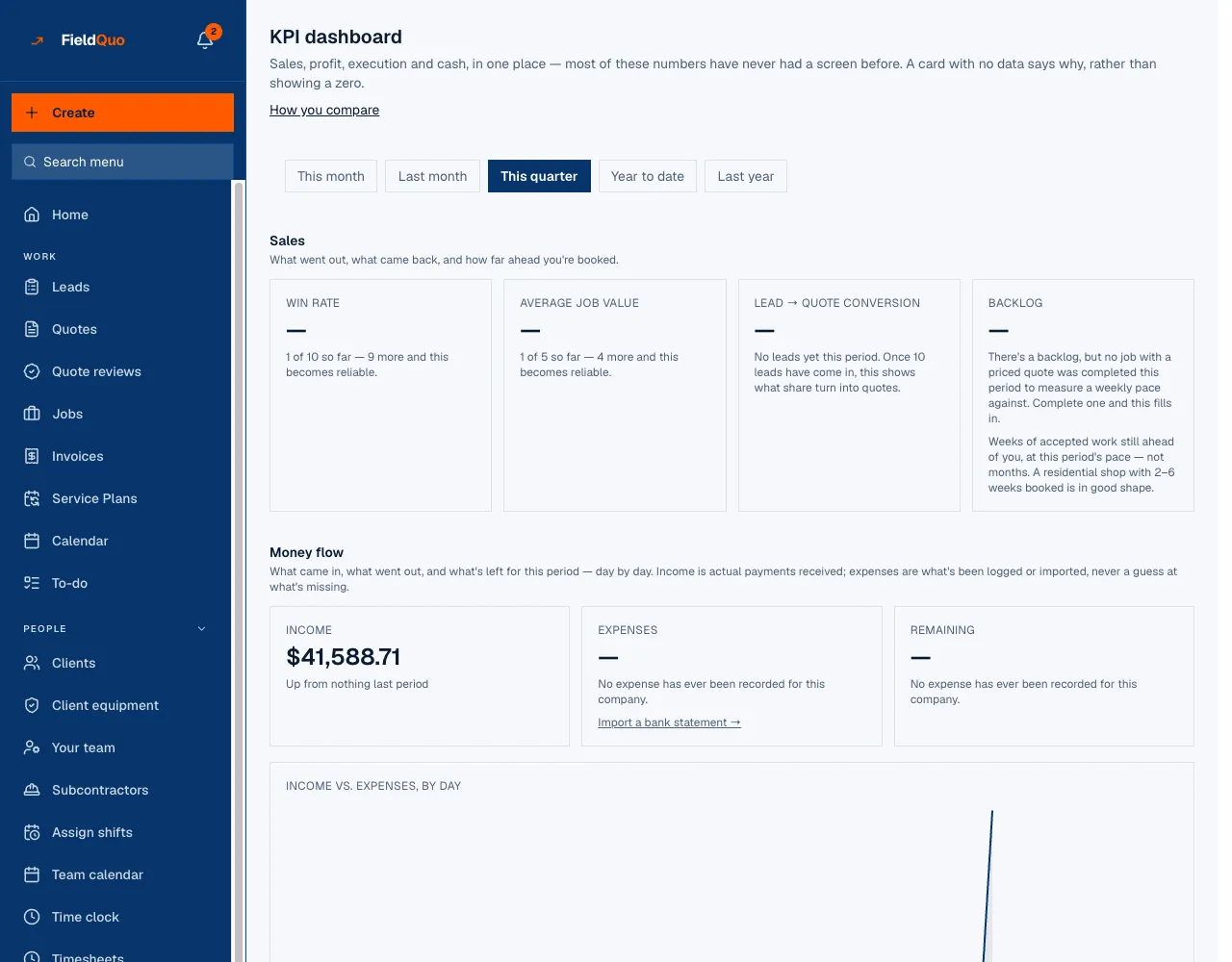
The KPI dashboard: sales, money, costs, profit, execution
Win rate, average job value, lead-to-quote conversion, income against expenses by day, labour as a share of revenue, on-time completion. Every figure comes from what is already in FieldQuo — no bank connection, no spreadsheet. A card with nothing behind it says why, instead of showing a zero.
- This month, last month, this quarter, year to date or last year
- Financial statements, won and lost, and estimate accuracy as their own reports
- A weekly digest, and a monthly write-up in sentences instead of charts
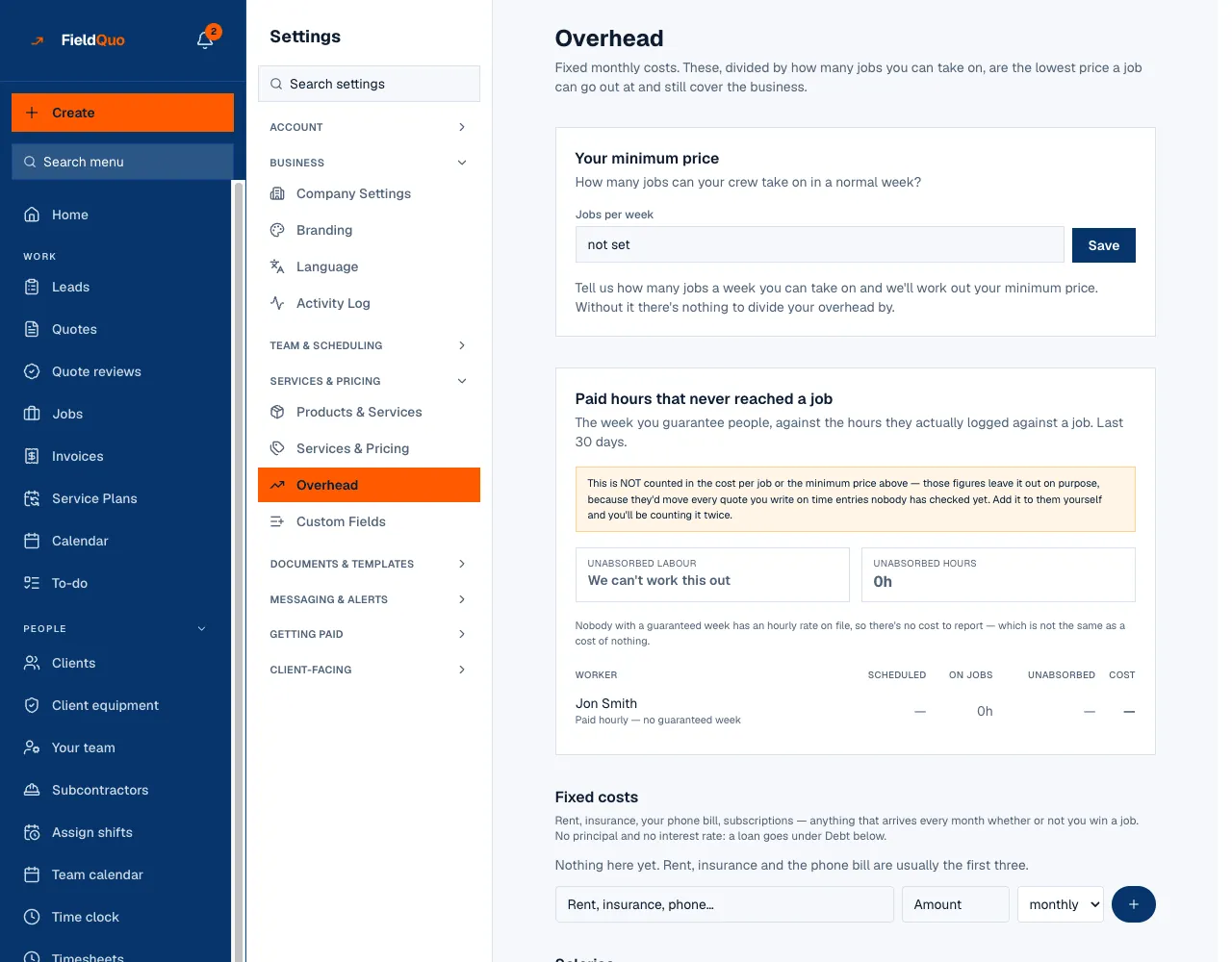
Overhead, and the minimum price it implies
Rent, insurance, phones, the office salaries, the truck loan and what the truck is losing in value every month — entered once. Tell FieldQuo how many jobs the crew takes on in a normal week and it tells you the lowest price a job can carry and still cover the business.
- Fixed costs, salaries, debt, assets and depreciation, bills due
- Paid hours that never reached a job counted as overhead, not hidden
- The minimum price sits beside the quote total while you build it
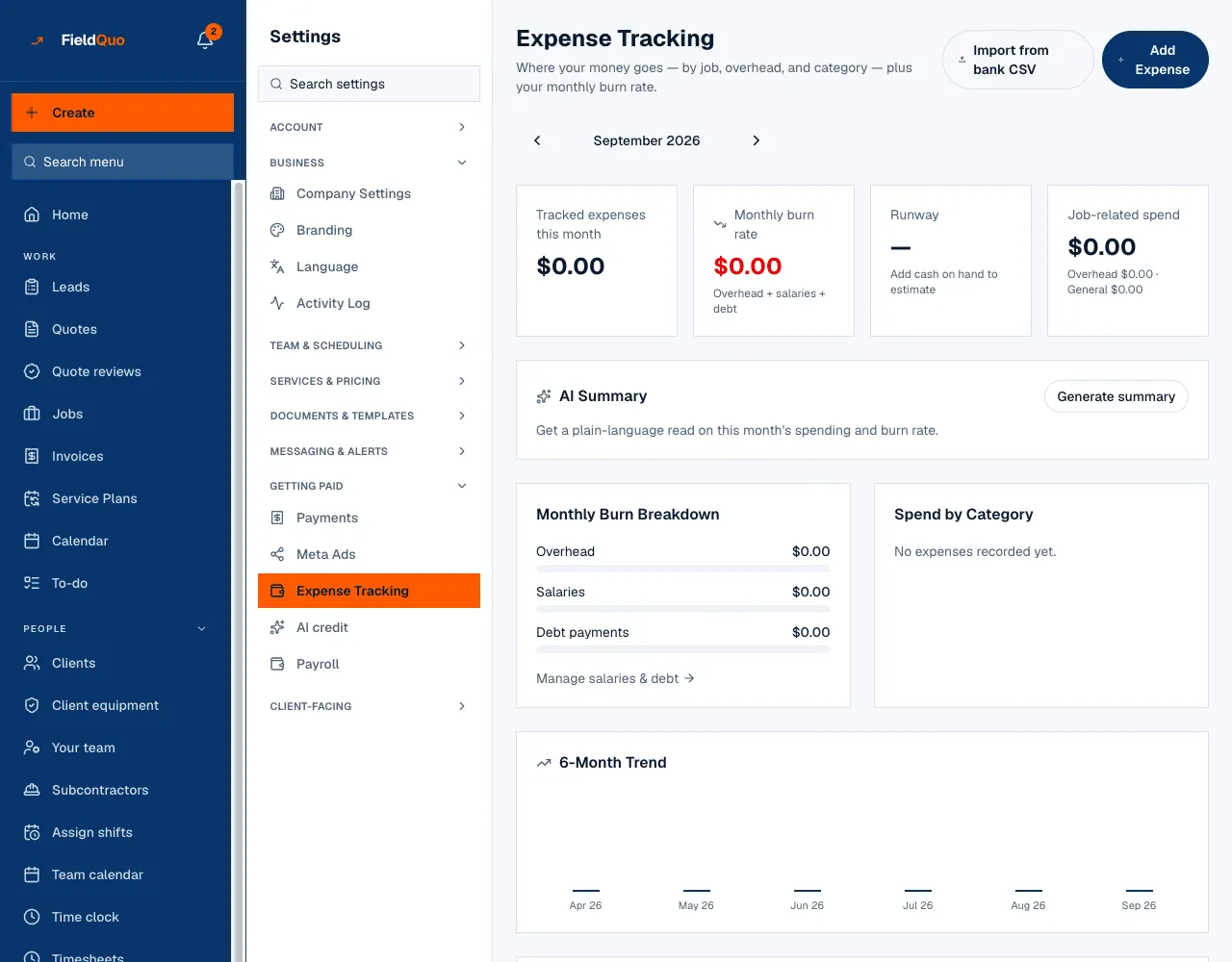
Expenses, burn rate and runway
Log what you spend, or import a month of it from a bank statement CSV, and split what belongs to a job from what belongs to the business. The monthly burn rate and the runway on the cash you have follow from it.
- Import from a bank CSV; no bank login, ever
- Job-related spend against business spend, by category, over six months
- Marketing spend by channel, with an automatic import from Meta Ads
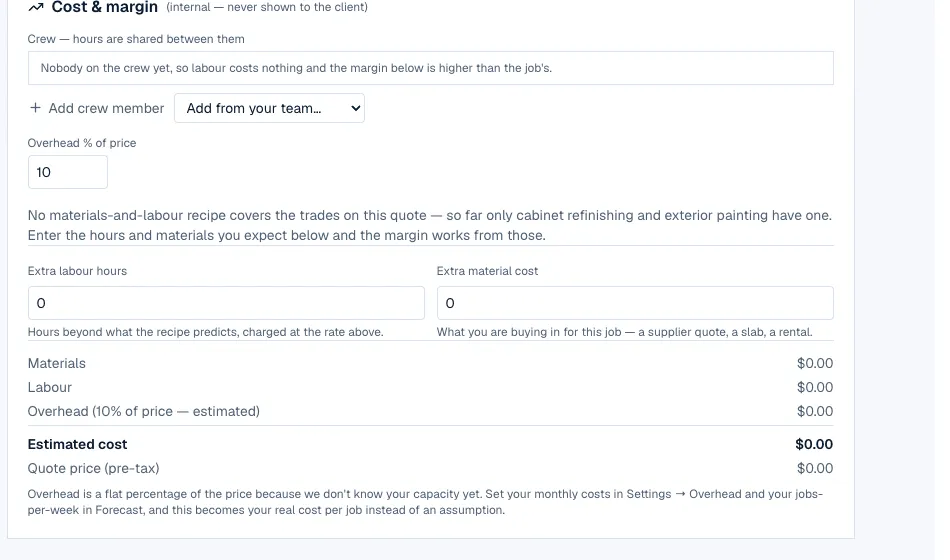
Job costing: what you quoted against what it cost
The quote carries an estimated cost — crew hours, materials from the recipe, an overhead share — that the client never sees. When the job is done, the clocked hours, the materials bought and the expenses logged sit against the price, so you know what you actually made and which estimates run over.
- Labour, materials and expenses against the quoted price, per job
- Estimate accuracy: the median variance across your completed jobs
- A nudge to revise your costing when a job runs past the threshold you set
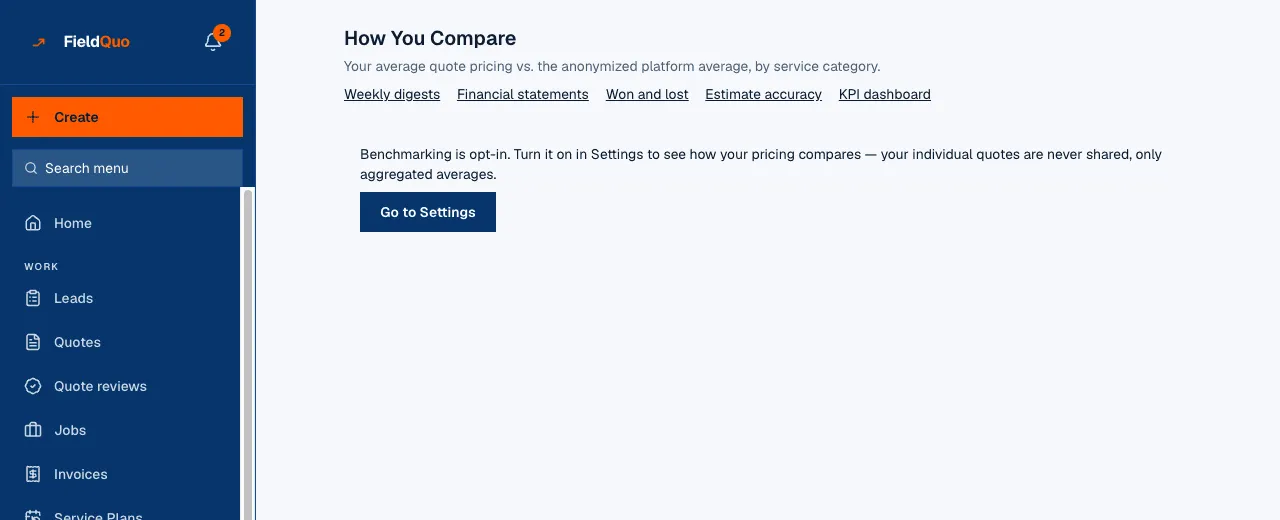
How your prices compare, with nobody named
Opt in, and your average quote per service category is set against the anonymised average of other shops in your trade on the platform. Your individual quotes are never shared and no company is named — including yours.
- Opt-in from Settings; nothing is compared until you say so
- Average price and win rate by service category
- Aggregated averages only — a category with too few shops shows nothing
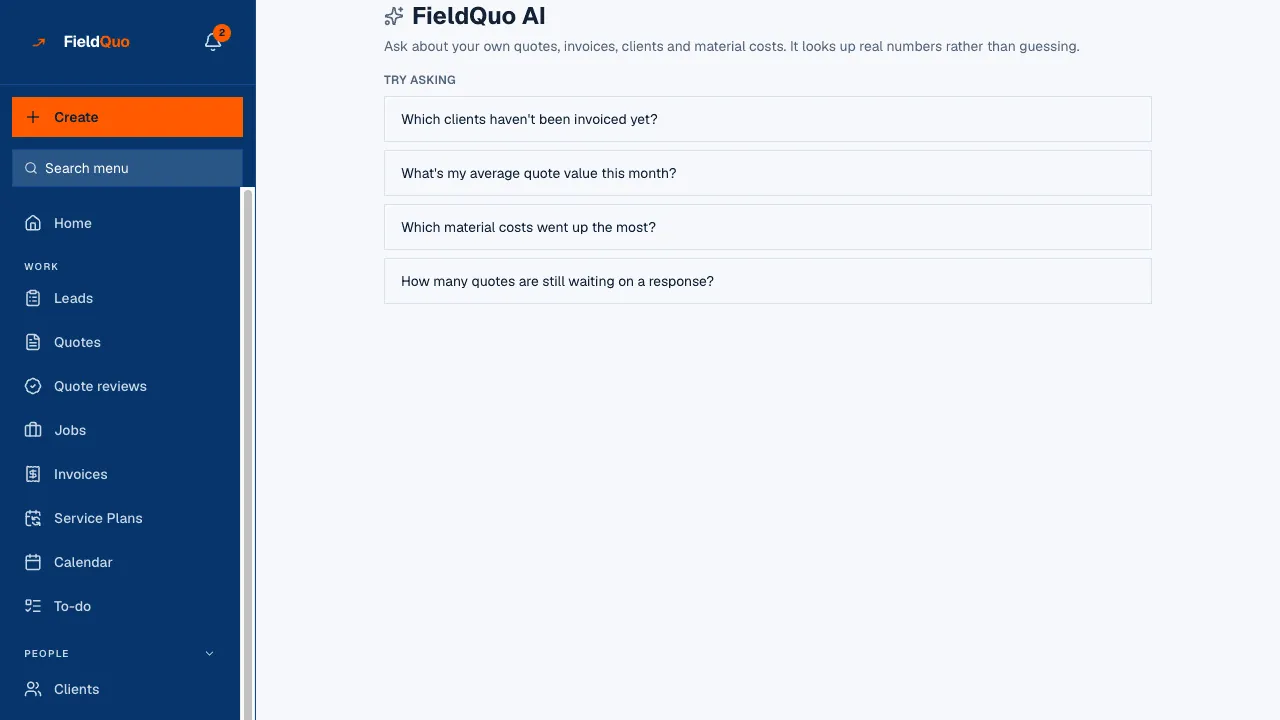
Ask FieldQuo AI about your own business
Which clients haven't been invoiced yet? What is my average quote this month? Which material costs went up the most? FieldQuo AI looks the answer up in your own quotes, invoices, clients and costs rather than guessing. It answers about your company only: it declines general questions, and it never sees another company's data.
- Answers from your own numbers, with the figures it used
- Declines anything that is not about your business
- Metered in AI credit, with an allowance on every plan
Everything under Analytics & AI
Every capability listed here is in the product today. Where one stops short, it says so.
Dashboard
What is quoted, won, scheduled and owed, on one screen, as of this morning.
Your break-even price
What a day has to bring in before you make a cent, worked out from your real overhead.
How your prices compare
Where your rates and your win rate sit against other shops in your trade — nobody named, including you.
Monthly write-up
Once a month, your numbers explained in sentences instead of charts.
Revenue goal
Set a target for the year and see how far ahead or behind you are.
Expenses and overhead
Record what you spend, split what belongs to a job from what belongs to the business.
What your advertising is worth
Log what you spend by channel — including an automatic import from Meta Ads — and see a blended cost per lead across everything you do to bring in work.
Where this stops: Per-campaign cost per lead covers leads that arrived through a Meta lead form. Every other channel — and a homeowner who saw the ad and phoned — is still blended across everything, because nothing links that spend to that lead.
Job costing
Labour, materials and expenses against the price you quoted, so you know what you actually made.
Material costs and recipes
What a litre of paint or a sheet of ply costs you, and how much of it a job of this size eats.
Lead funnels
Multi-step landing pages for an ad or a flyer, with numbers on where people drop out.
Ask FieldQuo AI
Ask a question about your own business in plain English and get the answer from your own numbers.
AI quote review
Before you send it: what you forgot, how the price sits against the ones you have won, and clearer wording.
AI receptionist
Answers your phone when you are on a ladder, takes the details, books the visit, and leaves you the recording.
Quote drafted from the call
What the caller described comes back as a draft quote you open, correct and send.
Confirmation calls
The assistant rings ahead to confirm tomorrow's appointments so you do not lose the morning to no-shows.
Who changed what
A running record of every send, edit and approval, with a name and a time against it.
Common questions
Ready to send your first quote?
First 14 days · Free